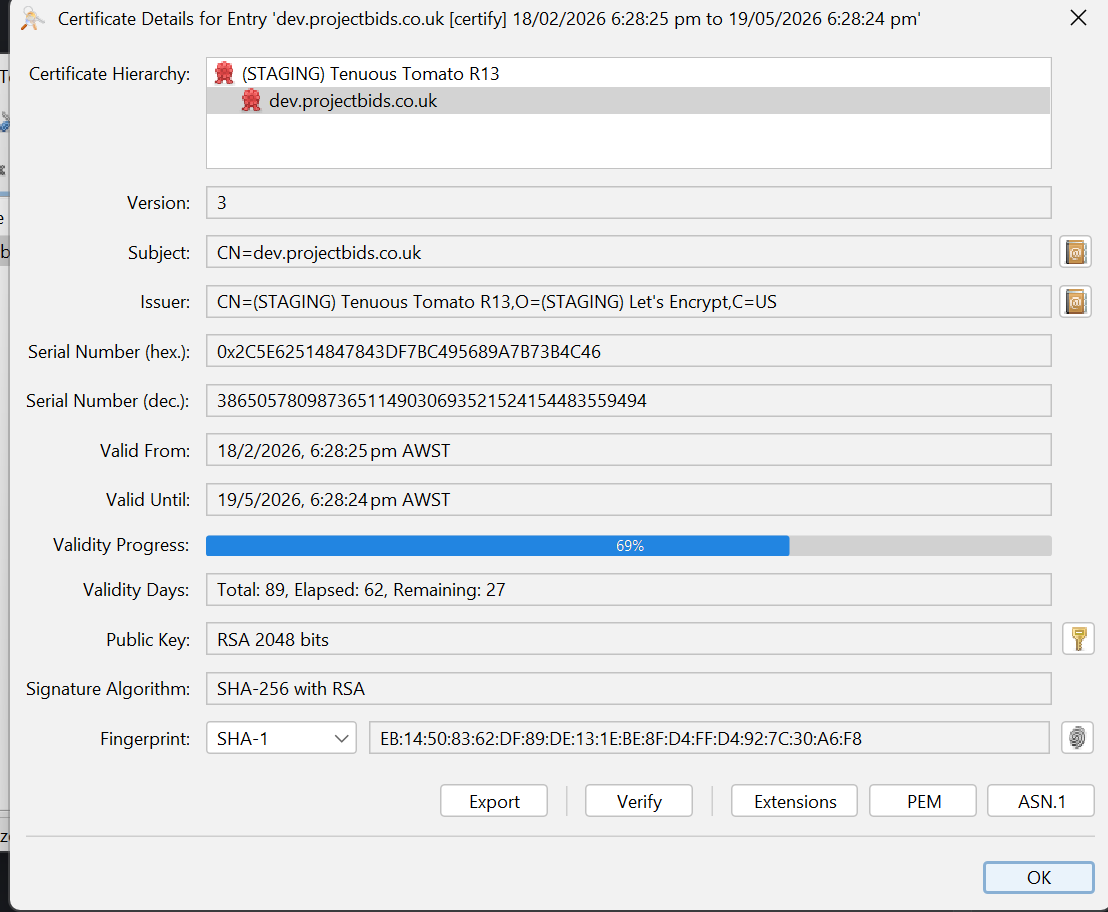
We use IIS, using Certify the Web client, we are getting a Let’s Encrypt Certificate. Everything is working well, except on a new server IIS complains that the chain cannot be followed as the intermediate is missing. We are having Certify Deploy the cert to IIS. If I install the intermediate or manually install the PFX all is well and the intermediate exists.
These servers ARE in a locked down DMZ with no outbound access. So the web cannot be used to access the intermediate or update the cert store.
Is there a baked in way to have the intermediate installed automatically?
Yes the PFX built by the app will normally include:
Your end-entity/leaf certificate (for your domain)
The public intermediate(s) the CA used to sign your cert, leading to but not including their Root.
The private key for your cert
The first thing to check is that the PFX under C:\ProgramData\certify\assets contains what’s expected (usually at least one intermediate), I would suggest using certutil or Keystore Explorer.
Thank you, we do trust the root. Its that the current R13 Intermediate is not installed into the server cert store when doing an IIS deploy in Certify the Web.
So IIS pops up an error every time I set a Let’s Encrypt cert on the binding. I can get around this by manually installing the intermediate, I was just curious if there was a way to force the certify client to deploy it as well as the new leaf
Not currently but we’ll look into that, I would have thought this problem would be more common if just turning off the internet causes it unless here has been a change of behaviour either in the OS or the .net framework.
Which version of Certify Certificate Manager are you using, and what version of Window Server is exhibiting the problem?
I am seeing the same. PFX shows the intermediate cert but the intermediate cert is not being installed. Server is locked down but I have allowed the following.
Thanks, we’ve seen that if servers a blocked from making outgoing http/https requests to Microsoft that also can mean that intermediates don’t get installed automatically. We will include a fix to optionally install the supplied intermediates (for non-staging requests) in the next update to v7.x