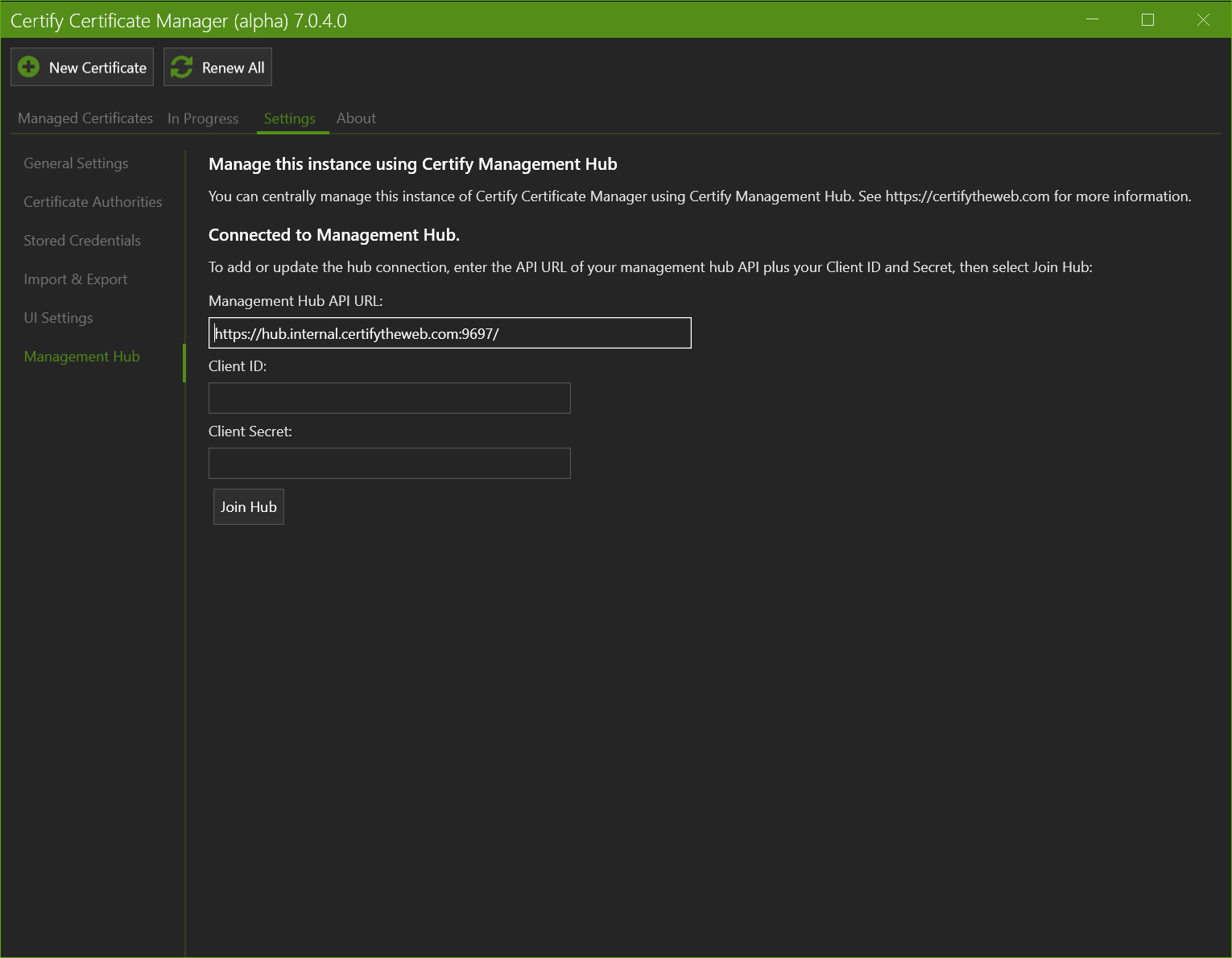
Thanks for trying out the Management Hub beta. To join an instance to the hub you need to be using Certify Certificate Manager v7.x (beta) to join the hub, and you will find the option under Settings - Management Hub:
The command line option is planned but not yet available, so the docs are misleading in that regard, there is a way to do it using an http request (like Certify Management Agent (Linux, macOS) | Certify The Web Docs) but we’ll likely just go ahead with the cli option for windows,
For now I would recommend using the UI, and it has to be v7 because v6 just doesn’t know how to talk to the management hub at all, or perform commands from the hub.
To actually get the POST method to work you’d need to authenticate using administrator basic credentials because on windows the service communication requires Windows Authentication. I haven’t actually tried it using curl on windows, the instructions I linked are mainly for Linux, it would be easier using powershell like Invoke-RestMethod -Uri http://localhost:9696/api/system/appversion -UseDefaultCredentials
We are using v7 (hub and desktop app) in production internally and it’s likely to go stable within the next couple of months.
The paid and free community versions are identical software, the alpha/beta versions are just previews of the next major release.
The Management Hub has been alpha for user feedback since May and recently turned beta, meaning the current feature set is being stabilized for release. v7 of the desktop app has the same core as the management hub and agent etc and has approximately 2 years of additional changes compared to the 6.x release, so the process of moving to a full release has been quite gradual.