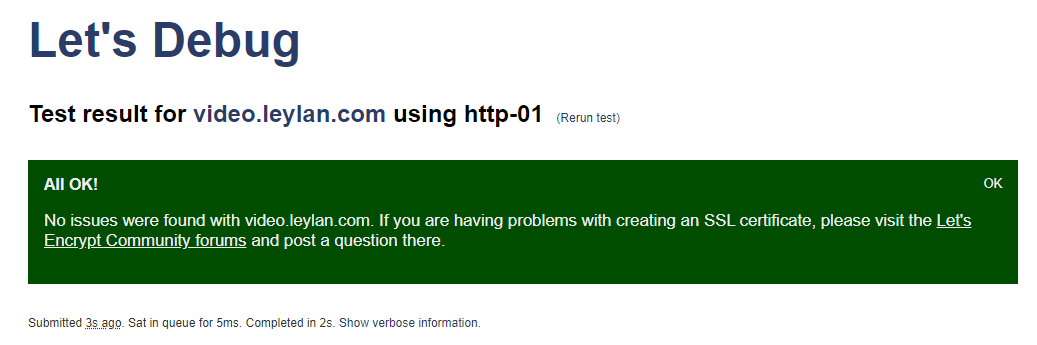
No change as expected. Could not verify URL is accessible: http://video.leylan.com/.well-known/acme-challenge/configcheck
Tried setting the Site Root Directory (same error). Tried unchecking “Perform challenge response config checks” but that seems to be a requirement. Tried unchecking “Perform web application auto config” (same error).
Seems to generate a 404 (Forbidden) error if that is any clue. Possibly the filename is the issue?
Oh I see 2 files that weren’t there before. configCheck which confirms files without an extension (it seems) and web.config which contains settings that I’m pretty certain are IIS-specific and won’t have any affect in this case.
And via my browser using http I was able to access the configCheck file so files definitely serve up from there.