I’m trying to use Cetify the Web as a dashboard / automation / manager for my Windows Internal CAs. I’ve written a custom PowerShell script that generates, gets, and generates a certificate from my internal CAs via Pre-Request Tasks. Which then gets stored on the Windows Certificate Store. The script then exports it and moves it into a file. And then I have Certify the Web take that file and then upload it to the server that I needed to go to. Here’s the part I’m running into, or the problem I’m running into. I can’t figure out a way to disable Certify the Web Authorization Identifier. Or does anyone know of a way to get Certify the Web to use Windows Internal CAs for issuing certificates?
Sounds complex! Do you have an internal CA with an ACME enabled service or are you trying to skip that altogether?
There are adapter type projects like GitHub - grindsa/acme2certifier: ACME Proxy enhancing your existing Certificate Authority Infrastructure · GitHub which can wrap AD CS in ACME.
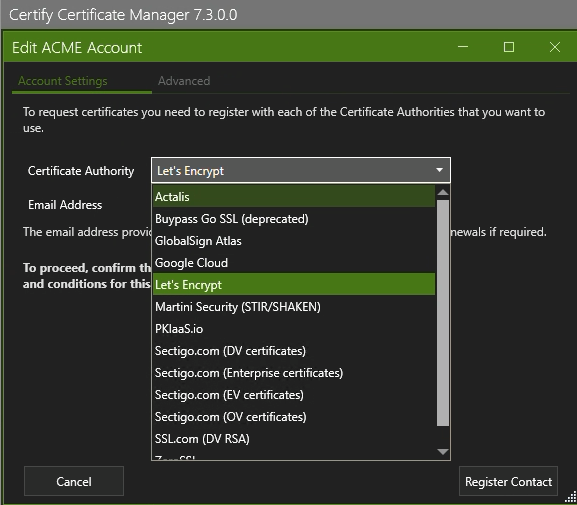
Currently the app only speaks ACME for ordering certs but we do have something in the works for Certificate Subscriptions that could be relevant do you use Azure Keyvault or something equivalent at all? We’re thinking of pulling/polling secrets stores for deployments, much like what happens with management hub subscriptions currently.
Also I’m assuming you are using Certify Management Hub, not just Certify Certificate Manager.